Google Shopping
Performance Max or Standard Shopping? How we structure Shopping campaigns
Performance Max has become Google's default for retailers, but Standard Shopping hasn't gone away, and for some accounts it's still the better tool. The right answer depends on your conversion volume, your margins and how much control you need. Here's how we decide.
 Matthew DaviesCo-Founder, Growtomic
· 4 min read
The short version
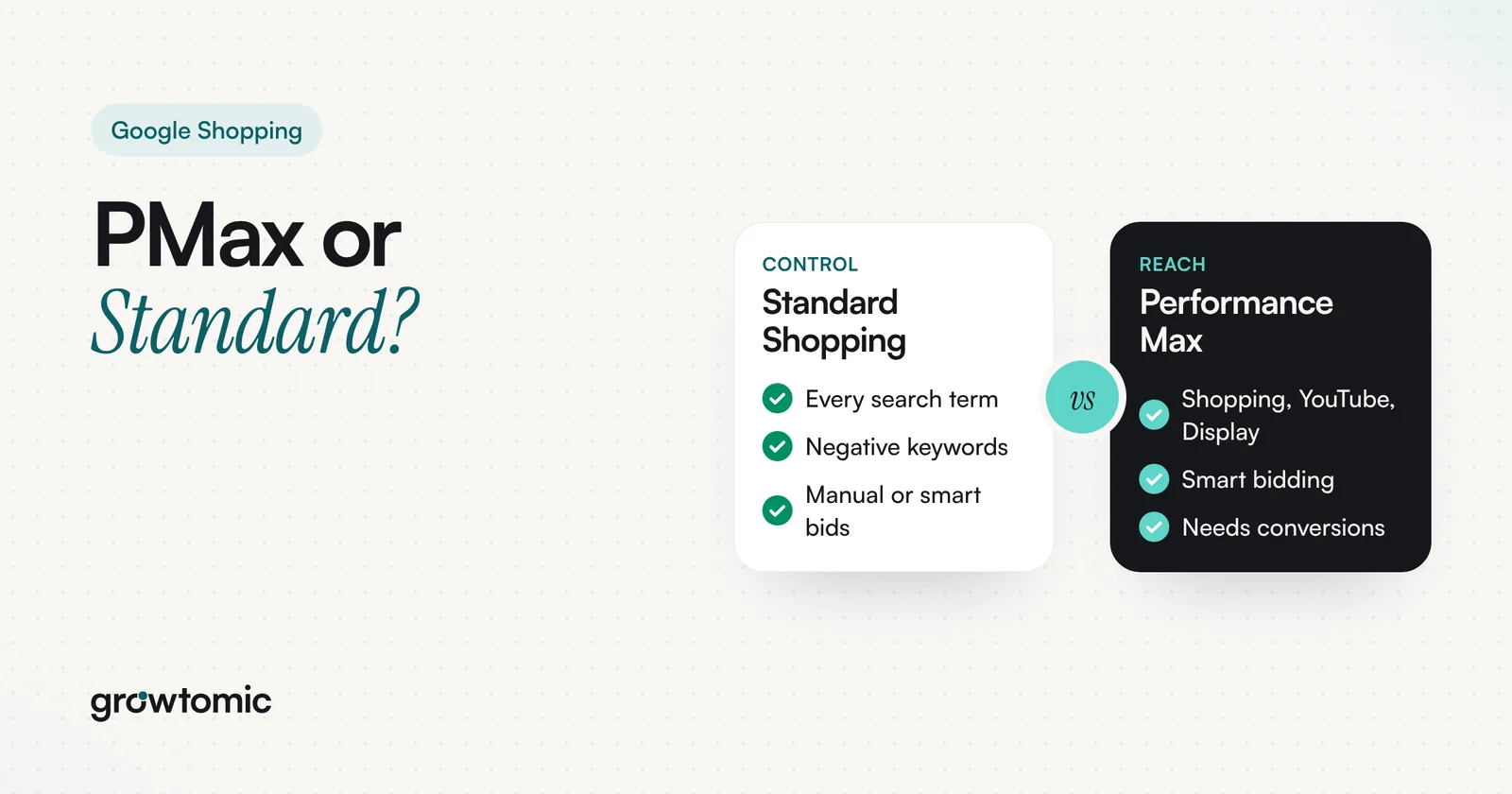
- Performance Max uses more of Google's inventory and automation. Standard Shopping gives more control and clearer data.
- Smart bidding needs conversion volume. Splitting a small account into many campaigns usually makes results worse.
- Structure campaigns around business value, such as margin or bestsellers, rather than around your site's categories.
- Keep brand searches separate, or excluded, so they don't flatter your results.
The difference in one table
| Standard Shopping | Performance Max | |
|---|---|---|
| Where ads show | Shopping ads on Google Search, the Shopping tab and search partners | Shopping, Search, YouTube, Display, Discover, Gmail and Maps |
| Bidding | Manual CPC or smart bidding | Smart bidding only (conversions or conversion value) |
| Control over searches | Full: negative keywords and campaign priorities | Partial: negative keywords and brand exclusions, less visibility |
| Creative needed | None, just the feed | Optional. Without text, images or video it relies mostly on Shopping placements |
| Reporting | Search terms, products and placements | Improving, with channel and search term reports, but still less detailed |
| Best for | Testing, tight budgets, strict control | Accounts with steady conversion volume that want reach |
Google used to give Performance Max automatic priority over Standard Shopping when both covered the same products. It has since moved to letting ad rank decide between them, which makes running the two side by side more workable than it was.
Start with conversion volume
Smart bidding learns from conversions. With too few, it guesses. Our rule of thumb is that a smart bidding campaign wants at least 30 conversions a month to behave predictably, and more is better. This isn't an official Google threshold, just what we've seen work.
So the first question is how many conversions your Shopping activity drives in total. That number caps how many campaigns you can sensibly run.
| Monthly Shopping conversions | Sensible number of smart bidding campaigns |
|---|---|
| Under 30 | One, or Standard Shopping with manual bids |
| 30 to 150 | One to three |
| 150+ | As many as your business logic needs, each with enough volume |
The structures we use
1. Small catalogue or low volume
One Performance Max campaign for the whole catalogue, with brand exclusions and an account-level negative keyword list. Or, if you want to see exactly which searches you're paying for, one Standard Shopping campaign with manual bids and regular search term reviews. Don't split it further. Splitting a small account starves every campaign of data.
2. Split by margin
Using a custom label for margin band, run separate campaigns for high, medium and low margin products, each with its own ROAS target. A product that makes 60% margin can afford a much lower ROAS than one that makes 15%. One target for both means you either overbid on thin-margin lines or underbid on profitable ones.
3. Bestsellers and the rest
Google tends to spend most of a campaign's budget on a small number of products and ignore the rest. Split proven bestsellers into their own campaign so they always have budget, and give the long tail a separate campaign with its own budget so those products get a chance to show.
4. Products with no impressions
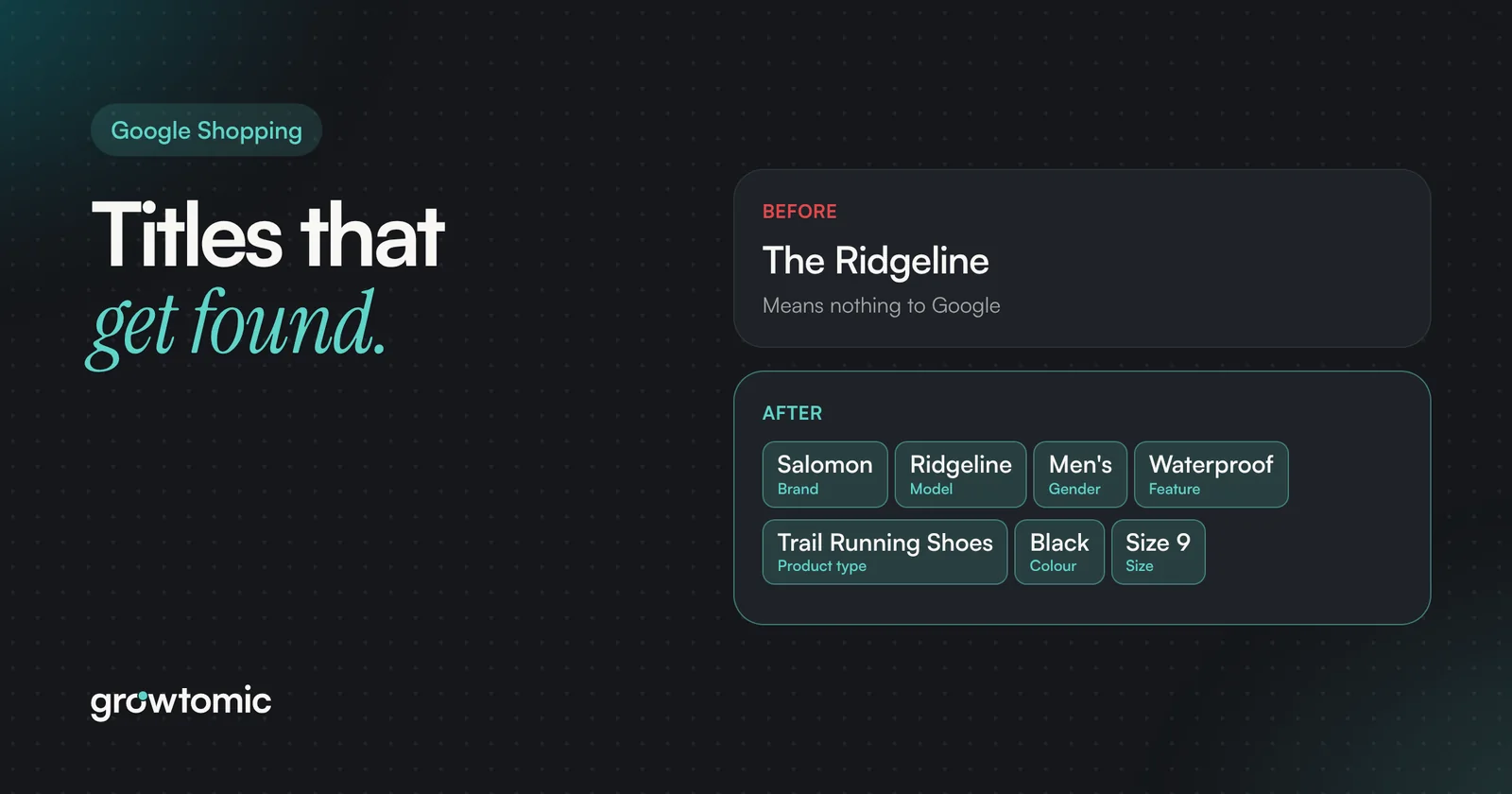
Find products that got no or almost no impressions in the last 30 days, label them, and put them in their own campaign. Often the problem is the feed (a poor title or a missing GTIN), so fix that first. Sometimes they just need budget that isn't being taken by the bestsellers.
5. Standard Shopping alongside Performance Max
Some accounts keep a Standard Shopping campaign running next to Performance Max, for products where control matters more than reach, or to test bids and search terms with full visibility. Keep the product sets separate so the two aren't competing for the same items.
Keep brand separate
People searching your brand name were probably going to buy anyway. If those searches sit in the same campaign as generic ones, they make the ROAS look better than the new-customer work really is. Use brand exclusions in Performance Max, and handle brand searches in a dedicated Search campaign. Then you can see what your Shopping budget is actually winning.
Tell Google what a sale is worth
Smart bidding optimises for whatever value you send it. If you only send revenue, it treats a £100 sale on a 10% margin product the same as a £100 sale on a 60% margin product. Two improvements make a real difference:
- Bid on profit, not revenue. Either send margin-adjusted conversion values, or use margin custom labels with different ROAS targets as above.
- Value new customers more. Performance Max can bid higher for new customers, or only target new customers. Use it if repeat customers would buy from you anyway.
How we decide
- Count monthly Shopping conversions to see how many campaigns the account can support.
- Check the feed first. No structure fixes poor titles and missing GTINs.
- Separate brand from generic.
- Split by margin or bestseller status only where each campaign keeps enough conversions.
- Use Standard Shopping where you need control, data or a clean test.
- Leave changes for two weeks before judging them. Smart bidding needs time to adjust.
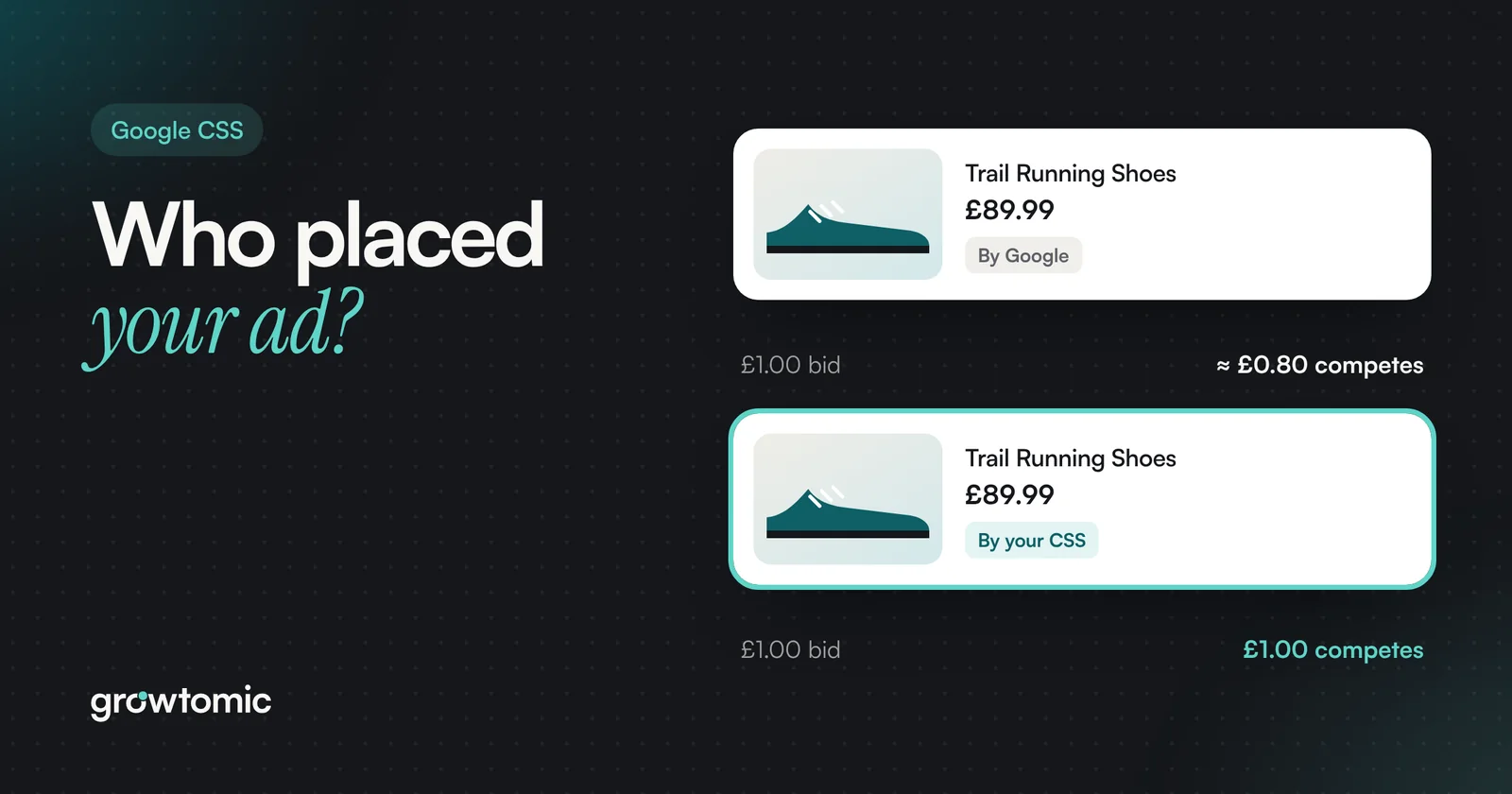
If you're on Google Shopping in the UK or Europe, pair whichever structure you choose with a CSS. It applies to both campaign types. See Google CSS explained.
Questions
Is Standard Shopping being retired?
Not at the time of writing. Google still supports it and has improved how it runs alongside Performance Max.
Can I use negative keywords in Performance Max?
Yes. Google now supports negative keywords in Performance Max, as well as account-level negative lists and brand exclusions. Control is still less detailed than in Standard Shopping.
Should a feed-only Performance Max campaign have assets?
If you have good images and video, adding them lets the campaign use more placements. If you don't, a feed-only campaign keeps spend mostly on Shopping placements, which some retailers prefer.
Written by
Matthew DaviesMatthew is co-founder of Growtomic and an ecommerce conversion specialist. He runs Google Shopping, CSS and PPC accounts for our clients and for ecommerce stores of his own.
LinkedInShopping and Performance Max that pay back. Start with a free audit.