Google CSS
Google CSS explained: what it is, what it saves and who should use one
If you run Google Shopping ads in the UK or Europe, every one of them is placed by a Comparison Shopping Service. Most advertisers use Google's own without realising there's a choice. Here's how the system works, where the saving comes from, and when switching isn't worth the effort.
 Matthew DaviesCo-Founder, Growtomic
· 4 min read
The short version
- Every Shopping ad in the UK, EEA and Switzerland is placed by a CSS. The default is Google Shopping, which is itself a CSS.
- Using an independent CSS means more of your bid competes in the auction, so you can usually pay less per click for the same position.
- You keep your Google Ads account, campaigns and bidding. Only the Merchant Center setup changes.
- The saving shrinks if most of your competitors already use a CSS, and it does nothing for a weak feed.
Where CSSs came from
In 2017 the European Commission fined Google €2.42 billion for giving its own comparison shopping service an advantage in search results over rival comparison sites. Part of Google's response was to turn Google Shopping into a separate business unit that has to compete for Shopping ad space on the same terms as any other comparison shopping service. Google appealed the decision, and the EU's Court of Justice upheld it in September 2024.
That arrangement is the CSS programme. It runs in the European Economic Area, Switzerland and the UK. It does not exist in the US, so if you only advertise there, none of this applies to you.
How it works
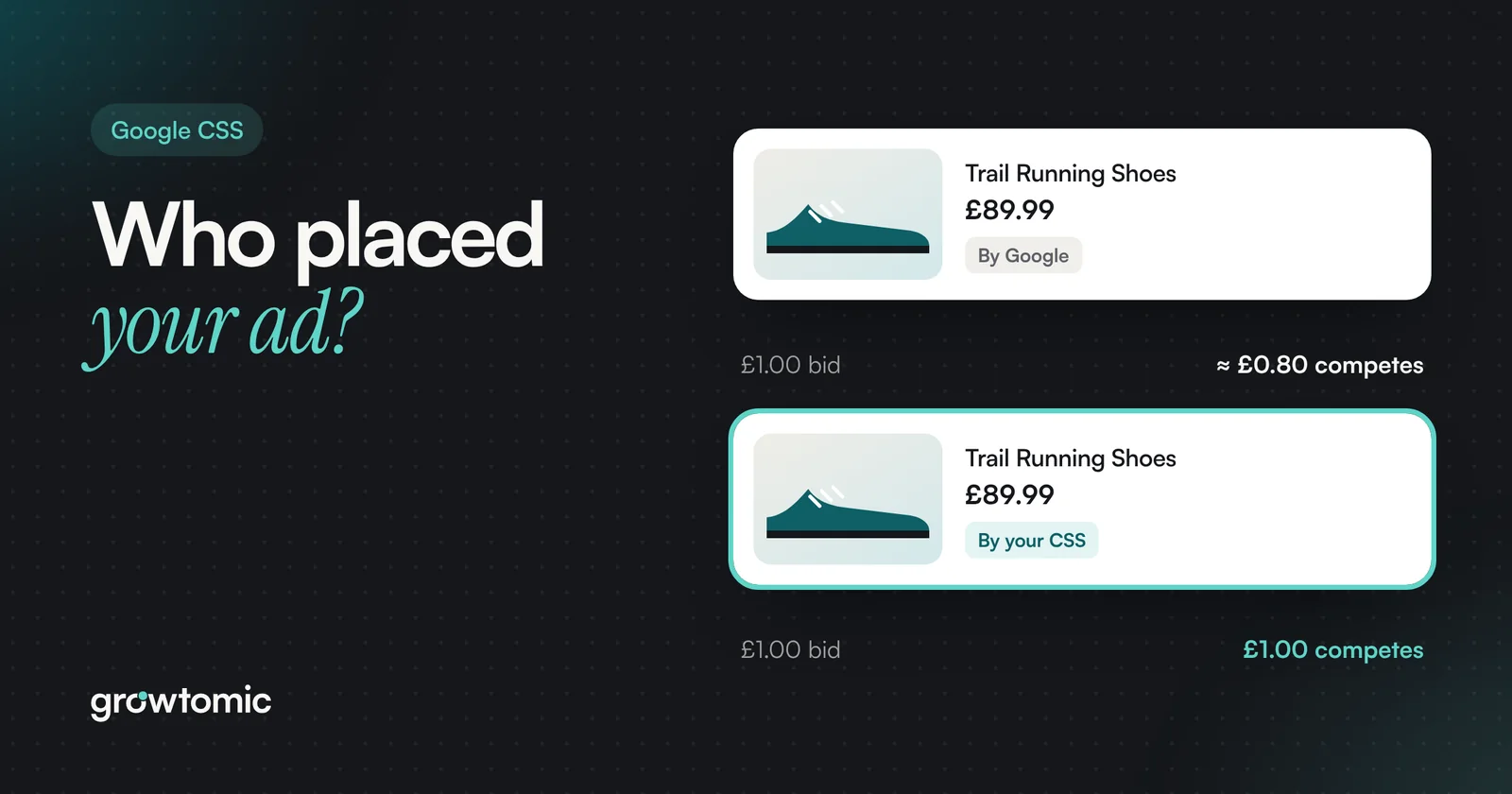
Look underneath any Shopping ad on google.co.uk. You'll see a small line that reads "By Google" or "By" followed by another company's name. That's the CSS that placed the ad.
When you advertise through Google Shopping, Google Shopping is acting as your CSS. Because it has to run as a separate business, it's widely understood to keep a margin on the clicks it buys for you. Google doesn't publish that margin. The industry figure you'll see quoted is around 20%, and it's where the "save up to 20% on CPCs" claims from CSS providers come from.
When you advertise through an independent CSS, your bid goes into the auction without that margin taken off. In practice that means one of two things:
- You keep the same bids and win more auctions, or better positions, for the same spend.
- You lower your bids and keep roughly the same position for less money.
| Via Google Shopping | Via an independent CSS | |
|---|---|---|
| Your max CPC | £1.00 | £1.00 |
| What competes in the auction (illustration) | About £0.80 | £1.00 |
| Bid needed for the same position (illustration) | £1.00 | About £0.80 |
What stays the same
This is the part most people get wrong. Moving to a CSS doesn't mean handing your advertising to someone else.
- Your Google Ads account stays yours, with its conversion tracking, audiences and history.
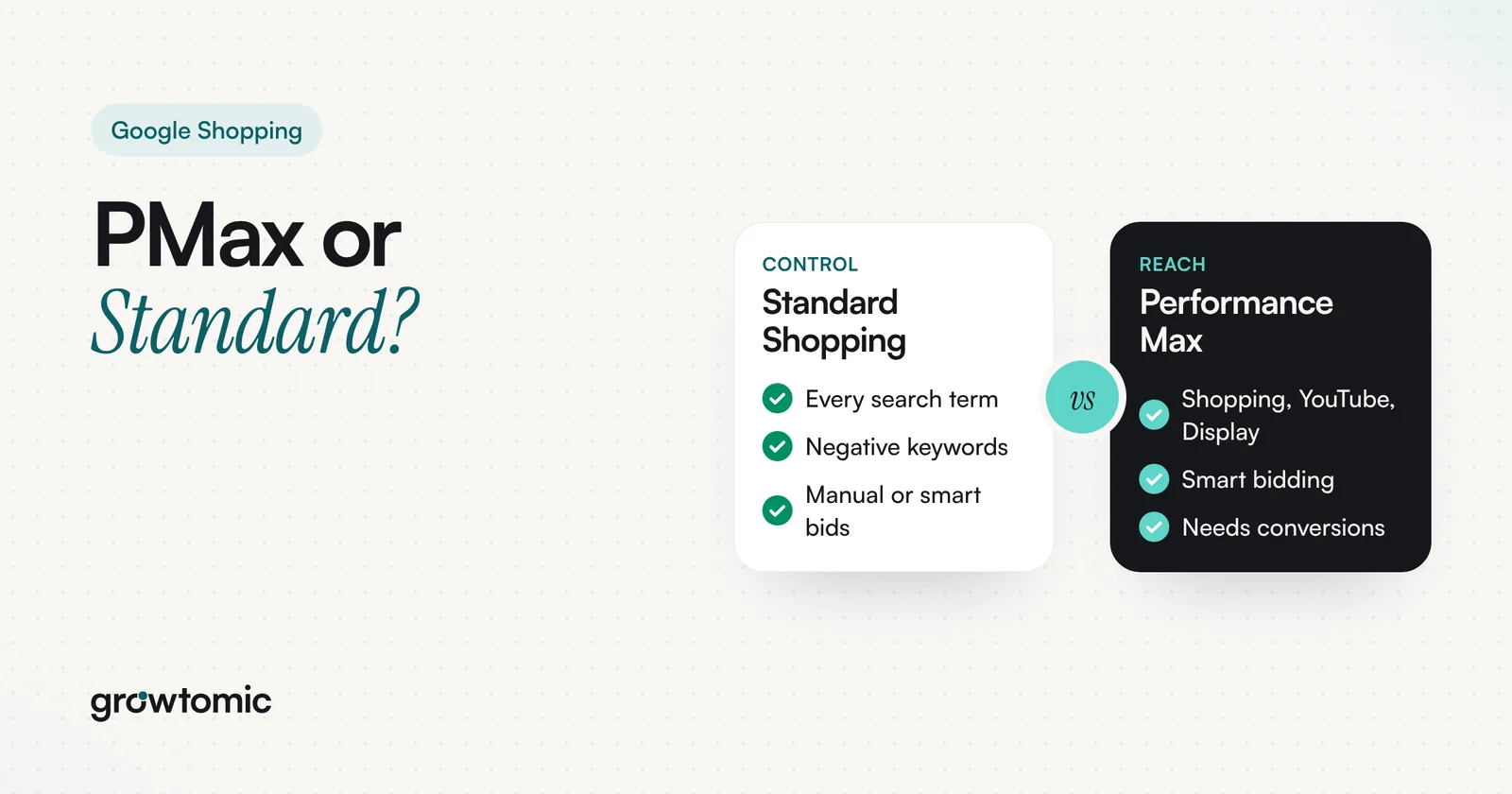
- You can still run Standard Shopping and Performance Max, with the same bidding strategies.
- Your feed is the same feed. The products, titles and images don't change.
- Free product listings are unaffected. They don't involve a CSS at all.
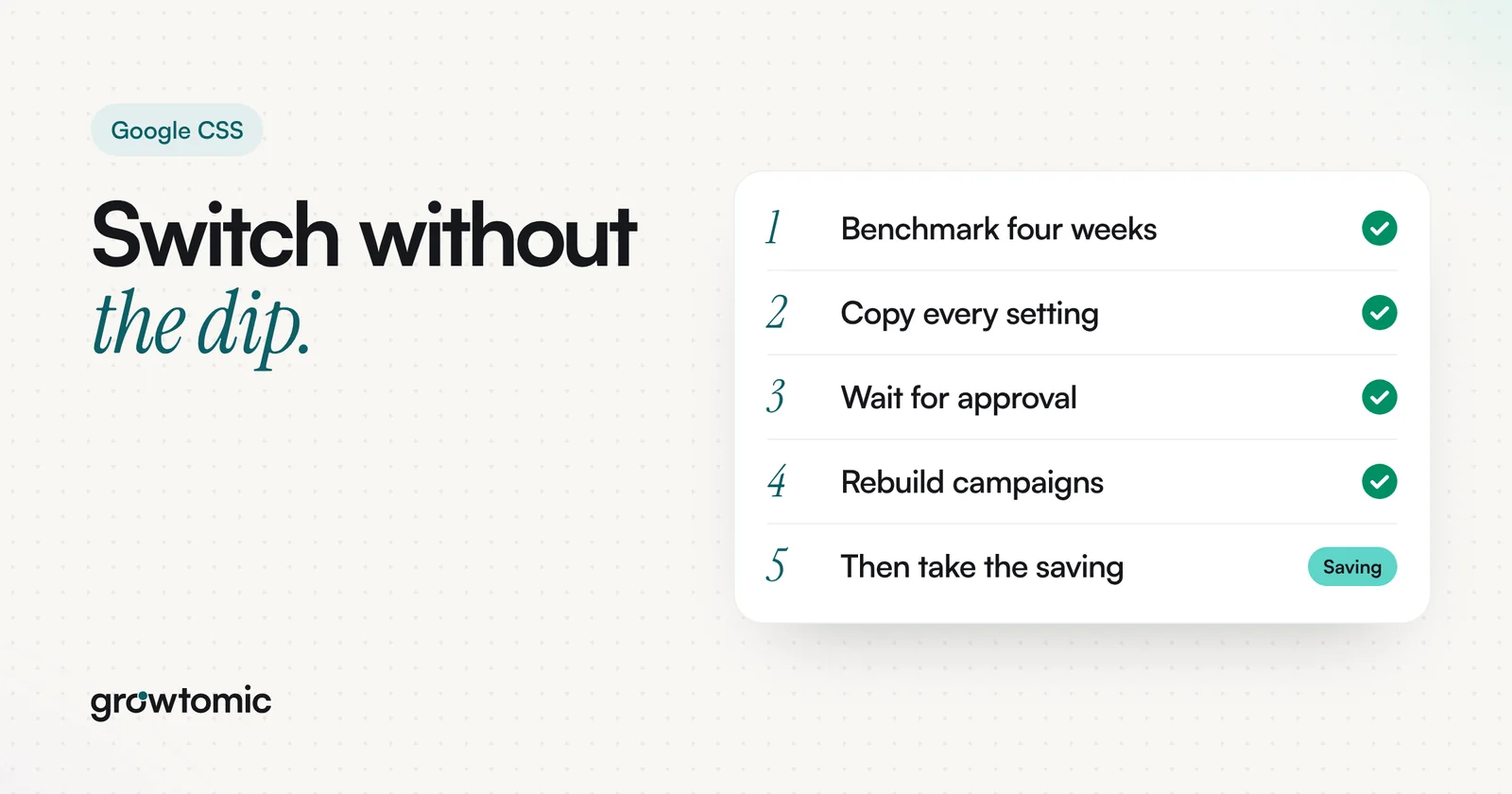
What changes is the Merchant Center account your products sit in. Depending on the provider, they either link your existing account to their CSS or set up a new one under their own multi-client account. If a new one is set up, your Shopping campaigns need rebuilding to point at it, because a Shopping campaign can't switch Merchant Center accounts. We cover that in how to switch to a CSS without a dip in performance.
What it doesn't do
A CSS is a pricing advantage in the auction. It isn't a strategy.
- It doesn't touch Search text ads. The programme only covers Shopping ads.
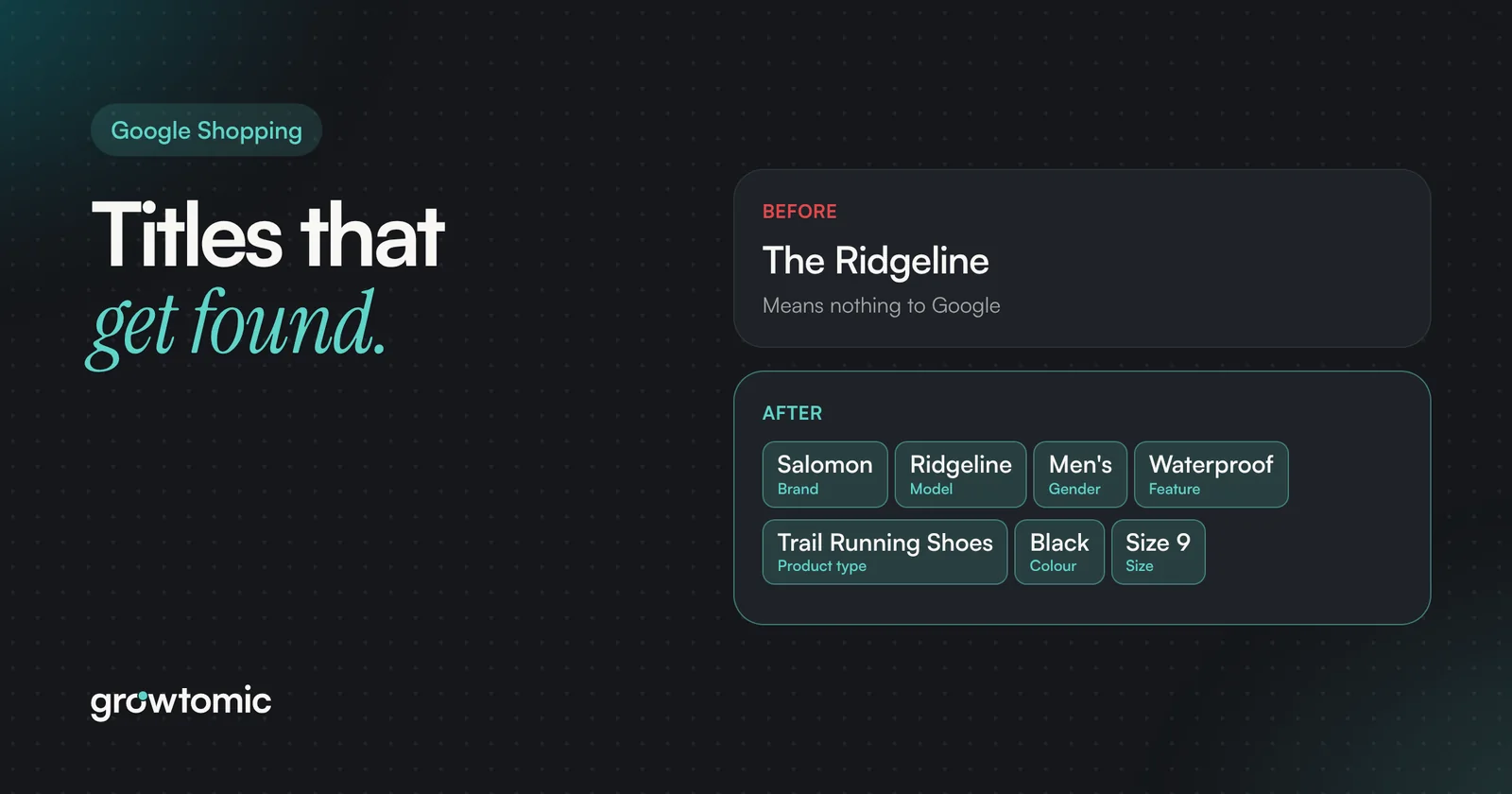
- It won't fix a weak feed. If your titles are vague and your images are poor, cheaper clicks just mean cheaper irrelevant clicks. Feed quality usually matters more than the CSS saving.
- The edge shrinks as competitors catch up. In busy categories like fashion and electronics, many large retailers already use a CSS. Joining them is about not paying more than they do, rather than getting ahead.
- It doesn't change who sees your ads. Targeting still comes from your feed, your campaign structure and Google's systems.
What it costs
CSS providers charge in three main ways:
| Model | How it works | Watch out for |
|---|---|---|
| Flat monthly fee | A fixed fee per Merchant Center account or per country | Paying per country if you sell in several markets |
| Percentage of spend | A small share of your Shopping spend | Costs rising as you scale, which can eat the saving at high spend |
| Included | Free when you use the agency's other services | Being tied to the agency to keep the CSS |
A quick way to sanity-check value: take your monthly Shopping spend, assume a realistic saving of 5% to 15% rather than the headline 20%, and compare that with the fee. At £10,000 a month, a 10% saving is worth about £1,000 a month in extra clicks or lower costs. At £500 a month, most fees will eat the saving.
Who should use one
A CSS is usually worth it if:
- You advertise Shopping ads in the UK, the EEA or Switzerland.
- You spend at least a few thousand pounds a month on Shopping.
- Your feed is already in good shape, so cheaper clicks turn into sales.
It's usually not worth it if your spend is very small, you only advertise outside Europe, or your feed and campaigns need fixing first. Fix those, then add the CSS.
Choosing a provider
The CSS itself is a commodity: the saving comes from not using Google Shopping, not from which alternative you pick. So choose on the terms:
- Account ownership. Who owns the Merchant Center account, and can you leave with it?
- Contract. Monthly rolling is fine. Long lock-ins aren't necessary for a service like this.
- Countries. Check they cover every market you sell in, and how they charge per country.
- Google CSS Partner status. Partners have met Google's requirements for the programme and get extra support from Google.
- Who sets it up. A sloppy migration costs more than a year of fees. Ask exactly what they'll copy across and who builds the campaigns.
If you want the numbers for your own account, our CSS savings calculator works it out from your spend and CPCs.
Questions
Is using a CSS allowed by Google?
Yes. It's Google's own programme, set up to comply with the European Commission's decision. Google lists approved CSS Partners on its own site.
Will my ads look different?
Only the small "By" line underneath, which shows the CSS name instead of Google. Shoppers rarely notice it.
Can I use more than one CSS?
Yes. Each CSS needs its own Merchant Center account, and the same products can be submitted through more than one. For most stores one is enough.
Does a CSS work with Performance Max?
Yes. Performance Max campaigns use your Merchant Center feed for their Shopping inventory, and the CSS applies to those Shopping ads.
Written by
Matthew DaviesMatthew is co-founder of Growtomic and an ecommerce conversion specialist. He runs Google Shopping, CSS and PPC accounts for our clients and for ecommerce stores of his own.
LinkedInUp to 20% cheaper Shopping clicks in the UK & EEA. Start with a free audit.